Send reminders to Webhook destinations
Webhook reminders send Bitpongo messages out to a supported chat platform. They are different from an incoming webhook that receives external signals.
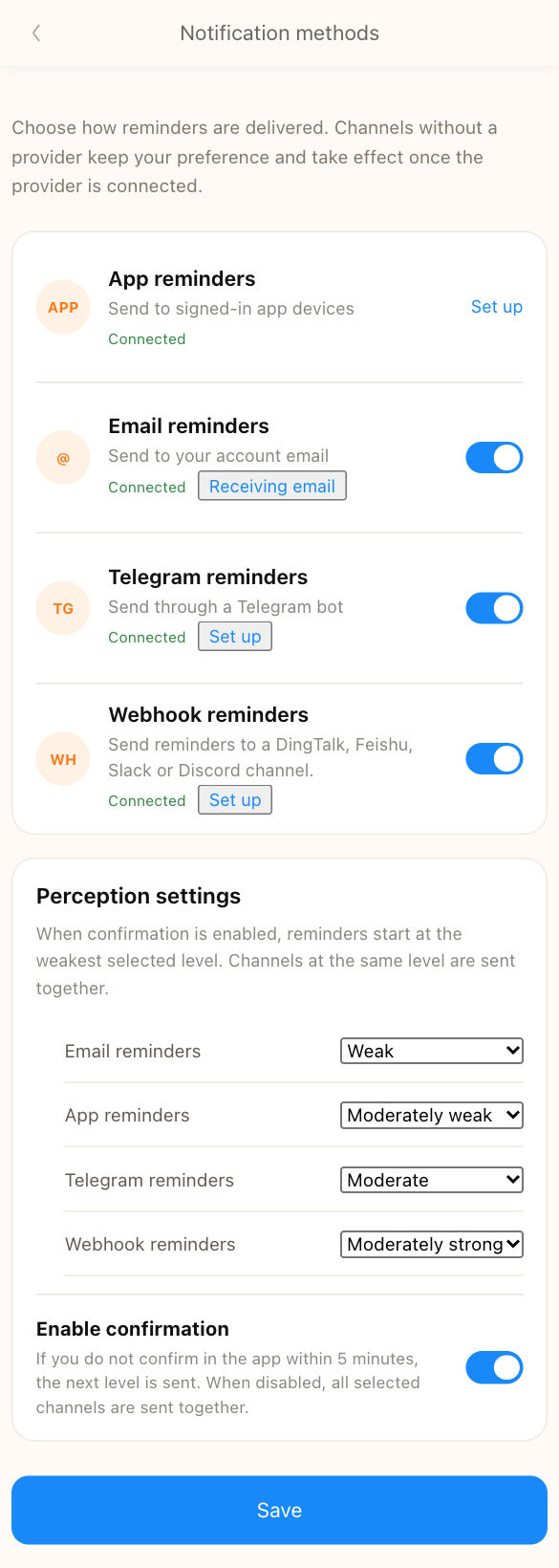
Configure a destination
- In the target platform, create an authorized incoming-webhook/bot destination for the intended channel or group.
- Open Me → Notification methods → Webhook → Set up and add a destination.
- Choose the matching provider: DingTalk, Feishu, Slack or Discord. Do not paste a Slack URL while selecting another provider.
- Give it a recognizable name and paste the full HTTPS URL. Where signing is enabled for DingTalk/Feishu, enter the matching signing secret in its dedicated field.
- Save, enable the individual destination and the Webhook channel, then use the test action. Check the actual destination channel.
| Platform | Destination to create | Important check |
|---|---|---|
| DingTalk | Custom robot for the group | Signing/keyword restrictions must match the robot configuration |
| Feishu | Group bot webhook | Use the matching signing secret when required |
| Slack | Incoming webhook authorized to a workspace/channel | Workspace authorization and destination channel must be correct |
| Discord | Incoming webhook for a channel | Check channel permissions and whether the webhook was deleted |
Official references: Slack incoming webhooks and Discord webhooks. Supported providers are intentionally restricted; this is not an arbitrary-URL HTTP automation client.
Protect the URL
A webhook URL often contains a credential. Do not include it in screenshots, public source code, query logs or a support message. Rotate/delete it on the provider if leaked, then update the saved destination.
If nothing arrives
Check provider selection, URL, signing secret, individual/global switches, platform restrictions and rate limits. HTTP acceptance is not the same as a user reading a message. Multiple enabled destinations can receive messages for the Webhook wave; same event confirmation and strength progression are described in perception settings.