Get started with Bitpongo
Bitpongo connects your exchange account to automated strategies and alerts. Exchange orders use your own exchange account; a price alert is a notification rule, not an order. Trading can lose money. Screenshots in these guides show the current H5 interface with local demonstration data, not live balances or verified investment results.
1. Create and verify your account
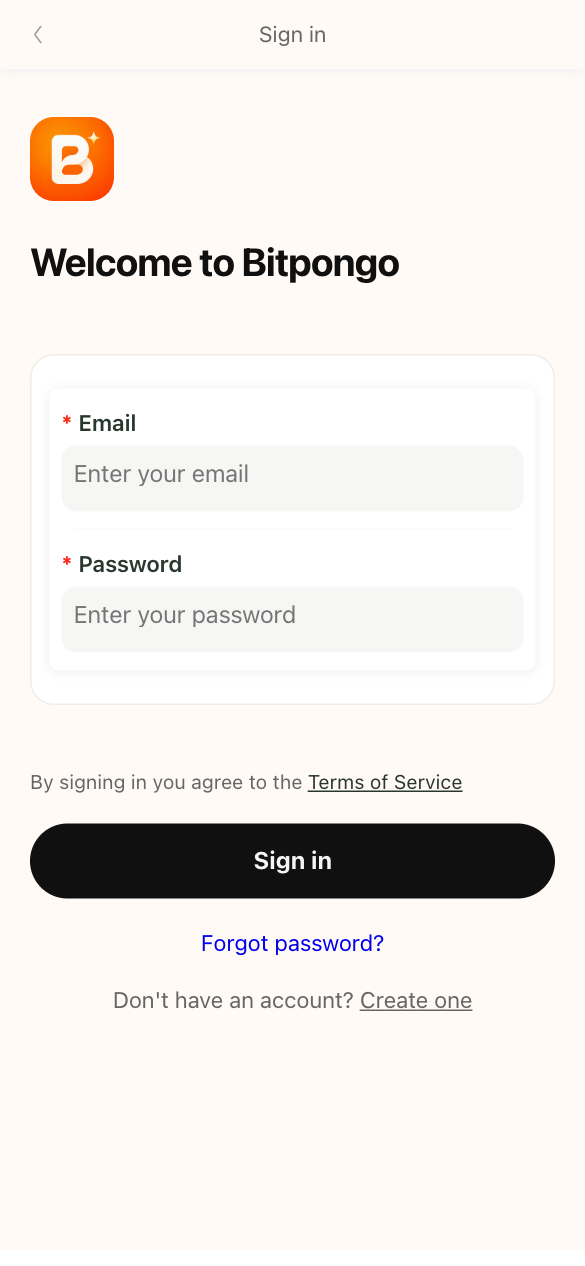
- Open the App or the online application and choose Create account.
- Enter an email address you control. Request a verification code and check both inbox and spam.
- Use the newest code for that registration request. An older code, an expired code or a code from password recovery is not interchangeable.
- Complete registration and sign in. Never send passwords or verification codes to support.
If a future login method does not provide a verified email, bind and verify one before relying on email reminders or email-based account recovery.
2. Choose a workflow
| Your goal | Start here | What happens |
|---|---|---|
| Buy assets on a schedule | DCA strategy | Scheduled spot orders, subject to funds and exchange rules |
| Trade on sentiment-band signals | F&G strategy | Supported futures orders when execution prerequisites are met |
| Watch a price without trading | Price alerts | An inbox event and selected notifications |
| Receive important events | Notification setup | Device permission plus account/channel settings |
3. Prepare safely
Connect an exchange API only if you need trading. Do not enable withdrawal permission. Review minimum order sizes and account type before enabling a strategy. Configure at least one notification channel and send a test message where available.
How to tell setup is complete
- You can sign in and open your profile.
- A trading workflow has a valid exchange connection and suitable balance.
- Your strategy settings match your intended schedule, direction and risk limits.
- A test notification reaches its actual destination, not just a “queued” status.
If something fails, start with troubleshooting. Repeatedly pressing Create or retrying an uncertain exchange order can create unintended duplicate actions.