Bind Telegram reminders
Bind your account
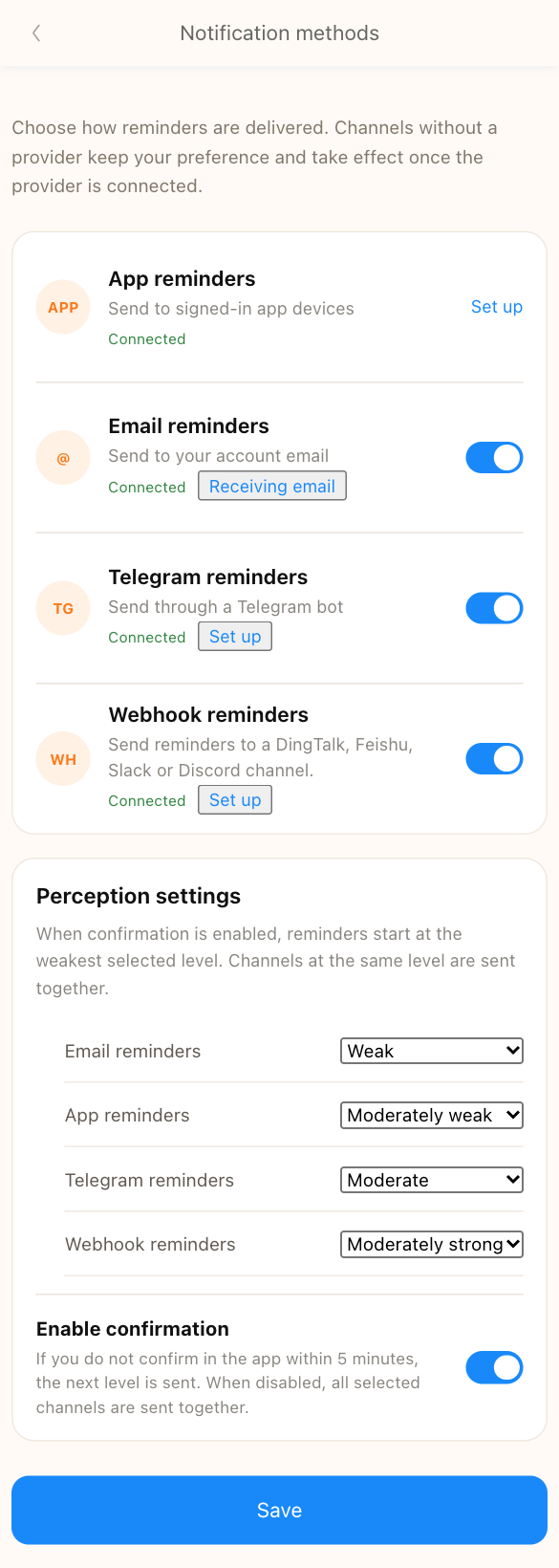
- Open Me → Notification methods → Telegram → Set up.
- Choose Bind Telegram. Open the generated binding link using the Telegram account that should receive messages.
- In the bot's private chat, press Start. This sends the binding command associated with the link; merely opening Telegram does not complete binding.
- Return to Bitpongo and refresh/check the binding state as instructed by the dialog.
- Enable Telegram, save notification settings and send a test message if the setup dialog offers one.
Use a newly generated link if the old one expired. Do not share binding links or forward them to another person: they associate a chat with your account. A group chat is not interchangeable with the intended private recipient.
What Start means
It is Telegram's button at the bottom of a bot chat. The link can carry a start parameter so the backend knows which pending binding to complete. See Telegram's official deep-link documentation.
If binding or delivery fails
- Ensure you pressed Start in the correct bot's private chat, not just searched for a similarly named bot.
- Return to the App to check the result; app switching alone is not confirmation that binding succeeded.
- If Telegram does not open on a device, use the link's web route or install/update Telegram, then restart binding.
- If setup is unavailable, the operator must configure the bot and callback. Users should not be asked for the operator's Bot Token.
- Unblocking the bot, checking network access and enabling notifications in Telegram may be necessary for receipt.
To change recipients, unbind using the App and bind the intended account. For delayed escalation, see perception settings.